





Maori Language Week: 14-20 September 2020
Every year Te Wiki o te Reo Māori or Māori Language Week provides a great chance for New Zealanders to expand their knowledge and use of Te Reo in everyday life.
A key element of Te Reo in written form is macaron use. Macrons, the horizontal lines above certain vowels to indicate emphasis, can completely change the meaning of a word or sentence.
Luckily it turns out there is an easy way to install the Māori dictionary on your computer and then with a couple of quick keyboard shortcuts, macron use is a breeze.
Just use the following easy steps outlined below:
Māori keyboard and language for Windows
• In Windows 7, 8 and 10, most computers should include the Māori language update. In order to use Māori macrons in Windows, do the following:
• Click the Language Bar in the bottom right of the screen near the clock, then choose 'Language Preferences'
• Click 'Add a language' under the heading 'Preferred Languages'
• Choose 'Te Reo Māori' from the list, and click 'install
• The language for your keyboard will now be set to the New Zealand English and Māori dictionary - just make sure it now says 'MRI' next to the clock
• To create macrons easily, you can hold the ` key (normally the one left of the 1 key) and press the appropriate letter to place the macron (ie: ` and a will give you ā)
• Use the Shift key in the middle of the sequence to make the letter a capital
Māori language and keyboard for Mac
• Click on the Apple logo in the top left and choose 'System Preferences'
• Click 'Language & Region', then choose 'Keyboard Preferences'
• Click the + icon and find Māori in the list
• Optionally, tick Show input menu in menu bar
• To type a macronised vowel on a Mac, you simply hold down Alt / Option and then the vowel. You can also do this in conjunction with the Shift key to type an uppercase vowel.

Poll: Do you set New Year’s resolutions?
🎉 2026 is almost here!
We’re curious ... how do you welcome it?
Do you set resolutions, follow special traditions, or just go with the flow?

-
10.3% Yes! New Year, New Me
-
20.1% Yes - but I rarely stick to them
-
69.6% Nah - not for me

Kōnae: Find Your Records
If you want to know how to request records about you or your whānau visit Kōnae: My Records Guide konae.org.nz.
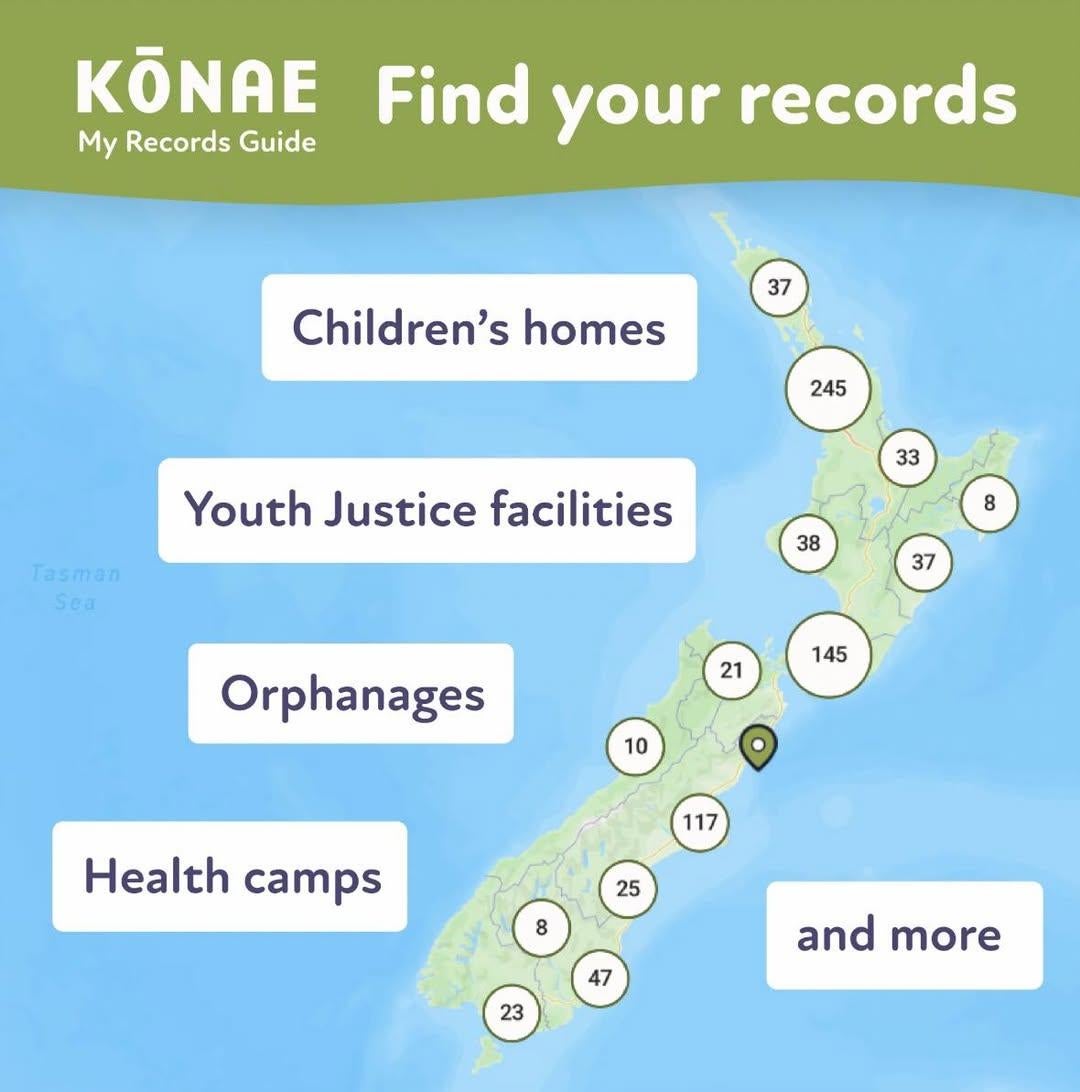
Kōnae has information on more than 60 state and faith-based organisations that have records for over 800 homes and places in Aotearoa New Zealand about people who have been in their guardianship or care.
The Kōnae map shows past and present places in Aotearoa New Zealand like children’s homes, hospitals, orphanages, boarding schools, Youth Justice facilities and many more.
Each place on the map has details about who was responsible for running it and how to get records.
The map can be searched and filtered by
- name
- location
- date range
- religion
- type of organisation.
If you want support to use the website or to find your records, you can get in touch with your local CAB on 0800 367 222, email or message via cab.org.nz, or visit a CAB near you cab.org.nz/find-a-cab
Accessing records can bring up a range of emotions, we encourage you to take care of your wellbeing. You can find suggestions of support at konae.org.nz/support
Original post credit: Citizens Advice Bureau: cab.org.nz

Guitar wanted
Hi guys, just wondering if anyone had a good entry guitar available for a decent price?
 Loading…