





Pesky Viruses + 1 very common anti virus product that slows down your computer
Viruses and keylogger can really be troublesome with a lot you don't even know that they are on your computer but they use you computer as part of a large system of computers to harm other people or business. They do this by requesting a page or resource so many times that it brings the server or website down. If it doesn't bring it down completely it can make it extremely slow for other people to use. To the point of being unusable for those that really need to use it. This type of event is called a denial of service attack and it can lose the victim a lot of business sometimes even making them go under completely.
If you have the following anti virus I would recommend switching as these aren't very good as they let a lot of virus past in my experience:
Norton, Mccaffrey and none :(
Norton I find especially bad because it automatically charges anywhere from $100 to $150 per year to customers who pay for it automatically online. They appear to raise the price of it the longer you are with them it looks like to me. As well its the most heavy use of your computer resources slowing down your computer especially the boot up time by much much more than anything else I recommend used. These are also ones customers who come in with the most virus have.
What I recommend which are in the price bracket of $40 to $80 (not paid by them just what I notice works right now in my 7 years of doing this). Some of them also have parental controls built in.
For more flexibility:
Avast; has a free version which for anyone who just needs something and isn't doing internet banking and/or credit card shopping on their computer. If you are banking/shopping on your computer I would recommend the paid version for peace of mind.
Trend Micro: Paid/free month trial. A decent solution haven't used this one greatly but it works.
Bitdefender: Paid/Free version. I wouldn't 100% recommend the free version of the product but the paid version looks to be just fine:
Eset Nod32: Paid/free month trial. more expensive than the others, does about the same as them
For the need for highly secured environments.
Kaspersky: Paid and Free versions. I have seen nothing get by it by it can need changes to it that can be a little complicated because it can very strict and block sites that maybe perfectly fine just not up to date in their certificates and it doesn't like some email servers which it just need a setting toggled.
In conclusion viruses can make anyone's day bad. Contact me and let's have a chat about the solution that would work best for you and don't let it be you, keep them pests out.
Give me a call or send me a line.
Evan 0226242172
EvanITguy@gmail.com

Poll: Do you set New Year’s resolutions?
🎉 2026 is almost here!
We’re curious ... how do you welcome it?
Do you set resolutions, follow special traditions, or just go with the flow?

-
10.6% Yes! New Year, New Me
-
21% Yes - but I rarely stick to them
-
68.4% Nah - not for me

Kōnae: Find Your Records
If you want to know how to request records about you or your whānau visit Kōnae: My Records Guide konae.org.nz.
Kōnae has information on more than 60 state and faith-based organisations that have records for over 800 homes and places in Aotearoa New Zealand about people who have been in their guardianship or care.
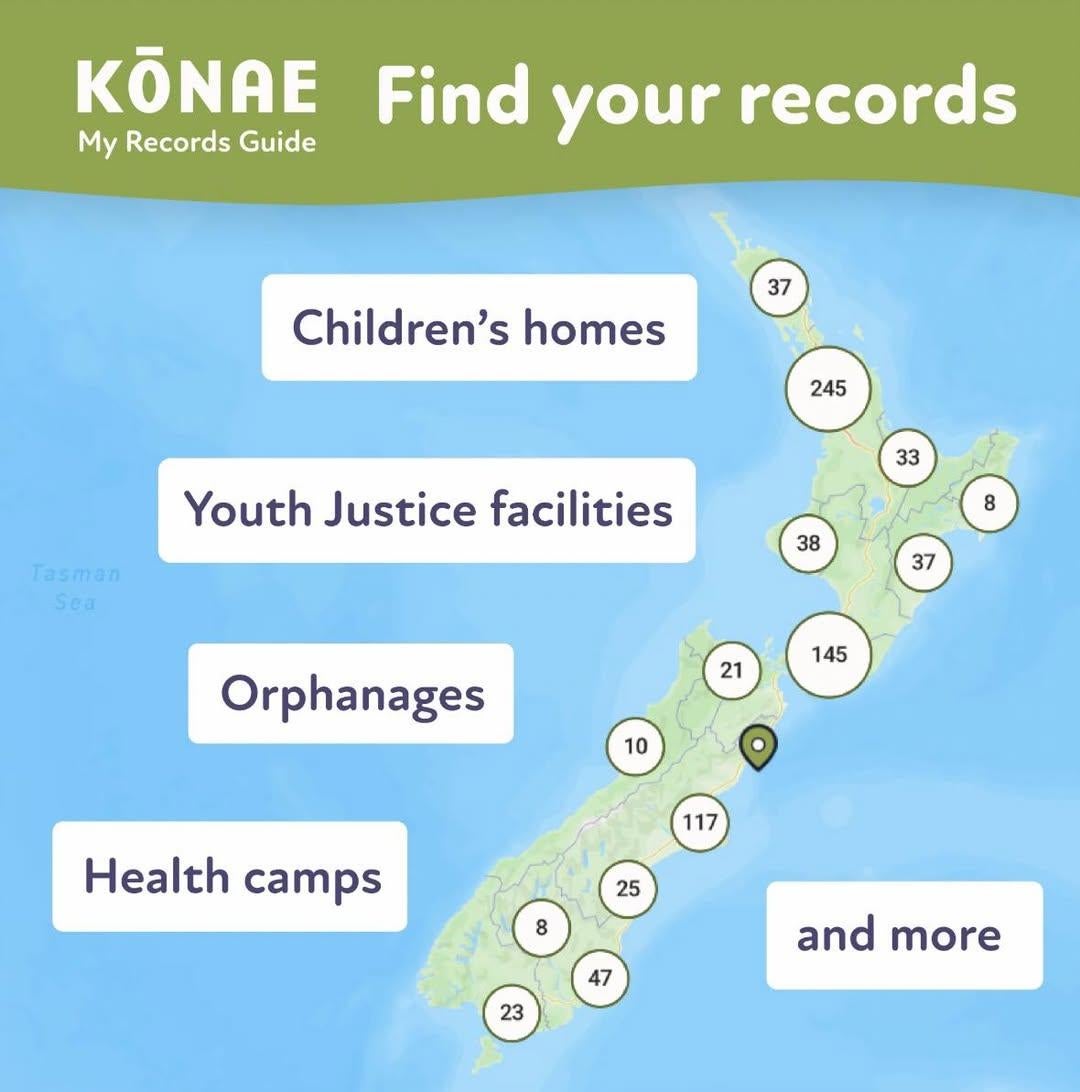
The Kōnae map shows past and present places in Aotearoa New Zealand like children’s homes, hospitals, orphanages, boarding schools, Youth Justice facilities and many more.
Each place on the map has details about who was responsible for running it and how to get records.
The map can be searched and filtered by
- name
- location
- date range
- religion
- type of organisation.
If you want support to use the website or to find your records, you can get in touch with your local CAB on 0800 367 222, email or message via cab.org.nz, or visit a CAB near you cab.org.nz/find-a-cab
Accessing records can bring up a range of emotions, we encourage you to take care of your wellbeing. You can find suggestions of support at konae.org.nz/support
Original post credit: Citizens Advice Bureau: cab.org.nz

Guitar wanted
Hi guys, just wondering if anyone had a good entry guitar available for a decent price?
 Loading…