





Neighbourly 101: Posting an image
Kia ora, neighbours!
When scrolling through the newsfeed what catches your eye? Chances are it's a colourful, striking image filled with all things Neighbourly. They say a picture tells a thousand words, so use your image-ination and show your neighbours. To create an outstanding post, follow these simple steps:
1. At the top of your newsfeed click ‘Post a message, event, poll or urgent alert to neighbours’
2. Add a subject and message
3. Select ‘attach an image or document' and choose an image from your device
4. Choose a category for your message
5. Click Post to share it with your neighbourhood
For more info, click here.


Today’s Mind-Bender is the Last of the Year! Can You Guess It Before Everyone Else? 🌟🎁🌲
I dance in the sky with green and gold, a spectacle few are lucky to behold; I’m best seen in the south, a celestial sight—what am I, lighting up the New Zealand night?
Do you think you know the answer? Simply 'Like' this post and we'll post the answer in the comments below at 2pm on the day!
Want to stop seeing these in your newsfeed? No worries! Simply head here and click once on the Following button.

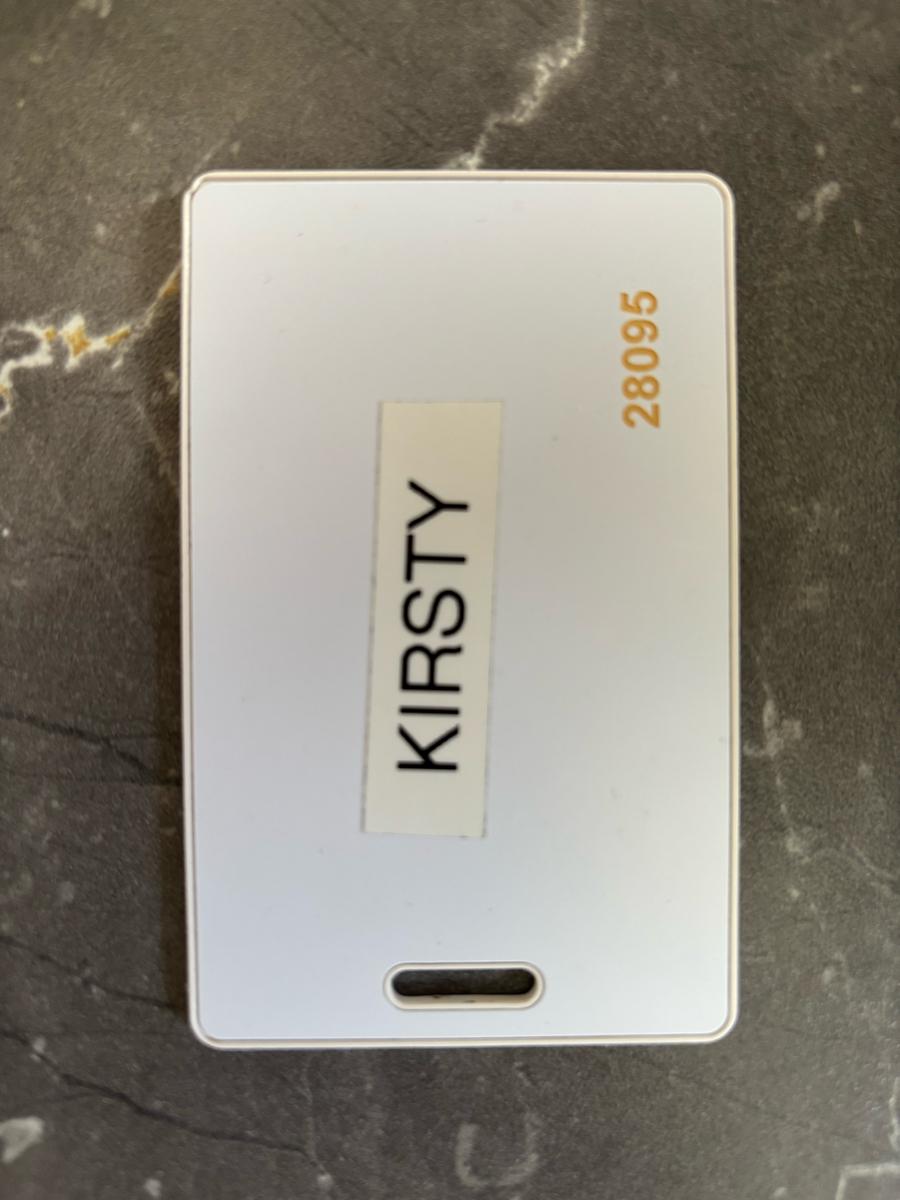
Found: Kirsty’s Swipe Card
Anyone know a Kirsty who’s lost her swipe card?!
Found by river steps adjacent to the Fitzherbert Bridge.

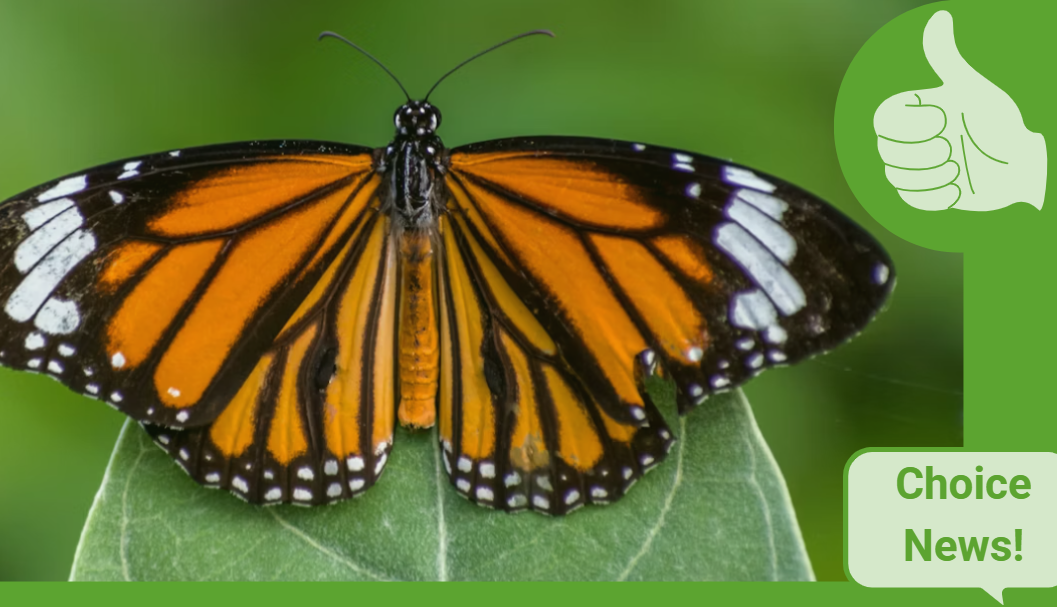
Some Choice News!
Many New Zealand gardens aren’t seeing as many monarch butterflies fluttering around their swan plants and flower beds these days — the hungry Asian paper wasp has been taking its toll.
Thanks to people like Alan Baldick, who’s made it his mission to protect the monarch, his neighbours still get to enjoy these beautiful butterflies in their own backyards.
Thinking about planting something to invite more butterflies, bees, and birds into your garden?
Thanks for your mahi, Alan! We hope this brings a smile!
 Loading…