





Neighbourly New Year Tip #10 - Save posts
Have you spotted a post on Neighbourly you want to refer back to later? It's easy to save posts such as a recommendation for a good plumber or restaurant, something you're thinking of buying or a poll you'd like to track.
Here's how to save and find posts:
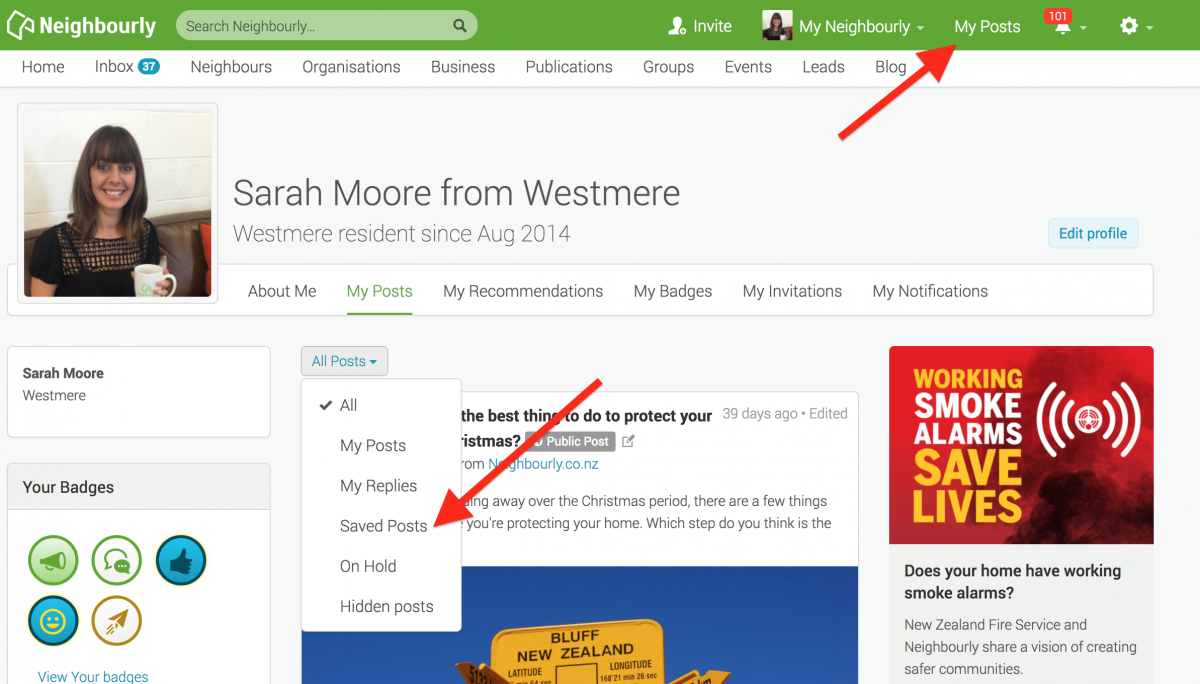
1) Simply click on the SAVE button at the bottom right of a post you want to locate later. The button will change to 'Saved!'
2) To find the post, click on My Posts in the top green navigation bar (on desktop) and click on the All Posts dropdown menu. You'll see the option 'Saved Posts'
3) When you no longer need a record of the post, just click on the Saved button and it will disappear from your Saved list.
Poll: Is it ok to regift something that you have been given?
🎁 Holiday Gift Chat!
Do you ever regift?
What’s your take on asking for a receipt if a gift doesn’t fit?

-
79.1% Yes! It's better to regift what I don't need
-
20.9% No. It's the thought and effort that matters

We’re giving away downloadable inclusive children’s audiobooks
🎄 Free for a limited time 🎄
We’re giving away downloadable inclusive children’s audiobooks featuring kids with disabilities 💛
Created by our charity Children with Disability NZ, these stories help normalise disability, celebrate diversity, and support a more inclusive Aotearoa—and world—for everyone.
This is our Christmas gift to families, educators, and children everywhere.
Wishing you all a very happy Christmas 🎁✨
Link in the comments below 👇
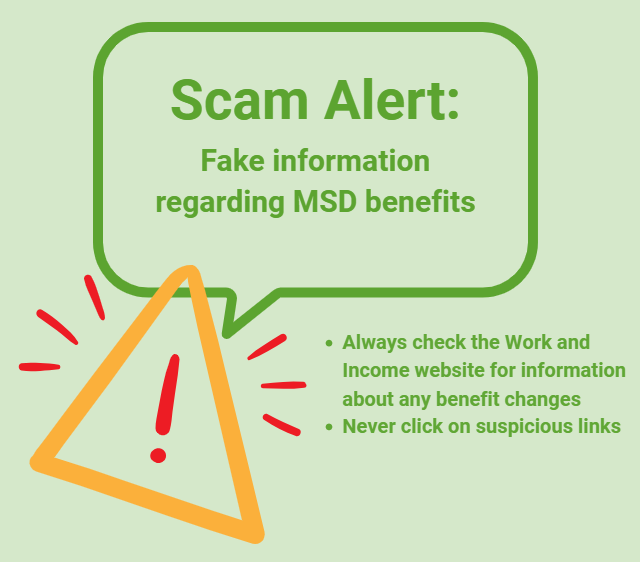
Scam Alert: Fake information regarding December Bonuses from MSD
The Ministry of Social Development is reporting that fake information is circulating about new ‘December bonuses’ or ‘benefit increases’
If you get suspicious communication, please contact Netsafe.
 Loading…