





Private Messaging
With new members joining all the time, I thought it appropriate to highlight the PM (Private Message) option.
* In the tool bar below the Neighbourly Header you will note "INBOX" second on the left.
* If you have a message a circle will appear to alert you.
* You can send and read messages here.
* If you wish to send a PM, you can click on the blue name of the person of choice within a post, and the option to message will appear.
* Click on "Message so and so" to begin the journey.
A very useful tool when one knows to watch for any alerts in the toolbar.
Finally: It does take a while to get one's head around many hidden Neighbourly features, so don't be afraid to ask if necessary - as others can help you out.

Poll: Is it ok to regift something that you have been given?
🎁 Holiday Gift Chat!
Do you ever regift?
What’s your take on asking for a receipt if a gift doesn’t fit?

-
80% Yes! It's better to regift what I don't need
-
20% No. It's the thought and effort that matters

Today’s Mind-Bender is the Last of the Year! Can You Guess It Before Everyone Else? 🌟🎁🌲
I dance in the sky with green and gold, a spectacle few are lucky to behold; I’m best seen in the south, a celestial sight—what am I, lighting up the New Zealand night?
Do you think you know the answer? Simply 'Like' this post and we'll post the answer in the comments below at 2pm on the day!
Want to stop seeing these in your newsfeed? No worries! Simply head here and click once on the Following button.


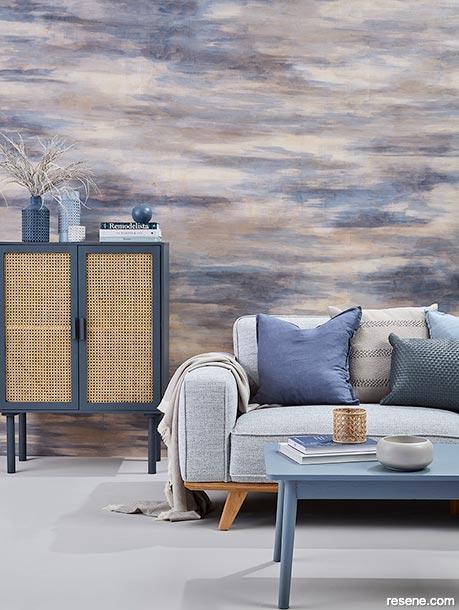
Create a Stunning Stain Feature Wall with Resene Colorwood
Transform your living room into a work of art with Resene Colorwood wood stains. Find out how to create your own stain feature wall with these easy step by step instructions.
 Loading…