





Neighbourly New Year Tip #10 - Save posts
Have you spotted a post on Neighbourly you want to refer back to later? It's easy to save posts such as a recommendation for a good plumber or restaurant, something you're thinking of buying or a poll you'd like to track.
Here's how to save and find posts:
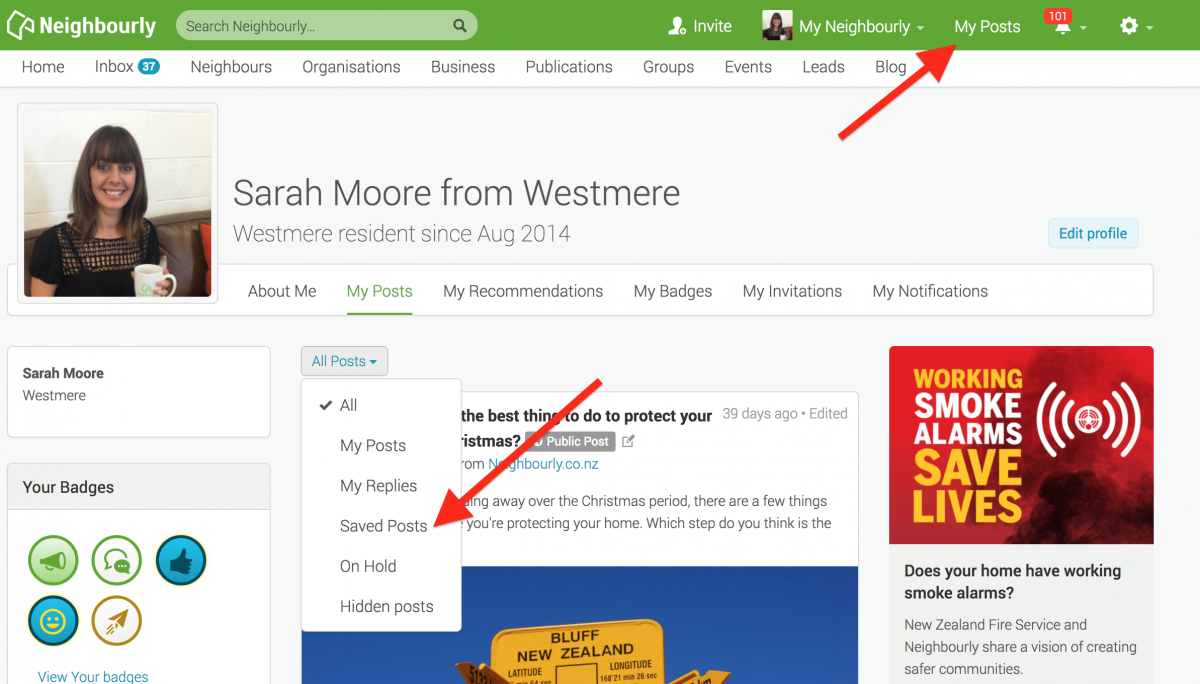
1) Simply click on the SAVE button at the bottom right of a post you want to locate later. The button will change to 'Saved!'
2) To find the post, click on My Posts in the top green navigation bar (on desktop) and click on the All Posts dropdown menu. You'll see the option 'Saved Posts'
3) When you no longer need a record of the post, just click on the Saved button and it will disappear from your Saved list.
Poll: Do you set New Year’s resolutions?
🎉 2026 is almost here!
We’re curious ... how do you welcome it?
Do you set resolutions, follow special traditions, or just go with the flow?
-
9.8% Yes! New Year, New Me
-
22% Yes - but I rarely stick to them
-
68.1% Nah - not for me
Poll: Is it ok to regift something that you have been given?
🎁 Holiday Gift Chat!
Do you ever regift?
What’s your take on asking for a receipt if a gift doesn’t fit?

-
78.7% Yes! It's better to regift what I don't need
-
21.3% No. It's the thought and effort that matters

Simply Google “Inclusive World NZ”
✨ This is your invitation ✨
Simply Google “Inclusive World NZ” and head to the Digital Library tab.
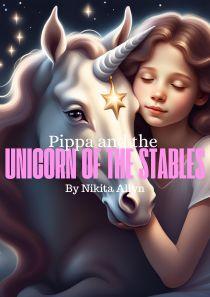
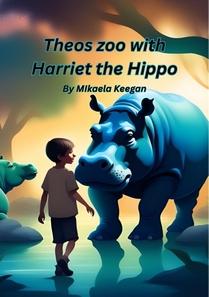
There you’ll find a wide range of downloadable resources, including children’s flipbooks, disability awareness flipbooks, posters, and more — all created to support inclusion, understanding, and representation 💛
Inclusive World NZ is owned and created by our registered charity, Children with Disability NZ, so every download helps support our mission to build a more inclusive Aotearoa for everyone.
Because inclusion starts with understanding 🌱

 Loading…