






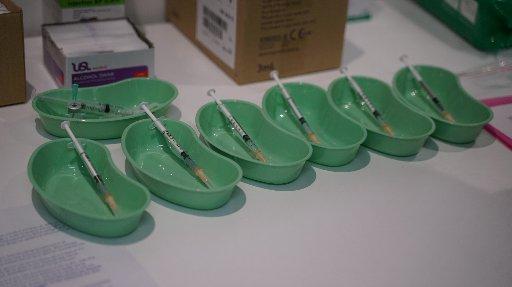
Covid-19: Scammers ask for money, votes in exchange for coronavirus vaccine
Hi neighbours,
As the Covid-19 vaccine rolls out, watch out for scammers preying on the vulnerable.
Crown agency CERT NZ (the Computer Emergency Response Team) is warning the public to stay vigilant after it was notified of a series of different scams.
The con artists are requesting credit card and personal information in return for a Covid-19 vaccine.
The first scam involves a phone call advising that the vaccine is available for $49.99.
People are then prompted to enter their credit card details.
The other scam asks people to head to a website where people can ‘vote’ in order to be eligible for the vaccine.
CERT NZ advised people in both instances to hang up the phone and make a note of what number the call came from, as well as the time and date it happened.
“We are actively working to put a stop to these scams as quickly as possible,” the agency said.
If bank details have been provided then people should contact their bank immediately, it said.
Meanwhile, in another hoax, people claiming to be from the World Health Organisation are asking email recipients to donate to the Who Covid-19 response fund.
Tricksters have also been targeting people with coronavirus-themed phishing emails with infected attachments containing fictitious safety measures.
The link, supposed to contain health information, installs malicious software designed to steal personal information.
In another scam, victims are asked to fill in their email and password to access information about Covid-19.
Emails are also being sent demanding money from victims to avoid video footage being circulated of the recipients in compromising positions.
Newer variations of this con are threatening to spread coronavirus to family members if a ransom is unpaid.
Security researchers have identified a new campaign where the attackers claim to have a ‘coronavirus map’ application that people can download onto their devices.
In fact the application is malware designed to steal sensitive information such as passwords.
HOW TO PROTECT YOURSELF FROM COVID-19 SCAMS:
CERT NZ recommends anyone looking for COVID-19 information looks to their regular news sites and official government websites.
The organisation urges people to be sceptical of advice that did not come from official sources.
If you are unsure if a communication is from a legitimate source, do not click on the link or open the attachment.
Contact the organisation through their official contact channels to verify.
Protect your passwords and login credentials, don’t enter these into any websites relating to the COVID-19 virus.
Keep your devices up-to-date.
Keep your anti-virus up to date and run regular checks.
Report suspected malware or phishing attempts to CERT NZ.
Go to www.cert.govt.nz... for more information.


Some Choice News!
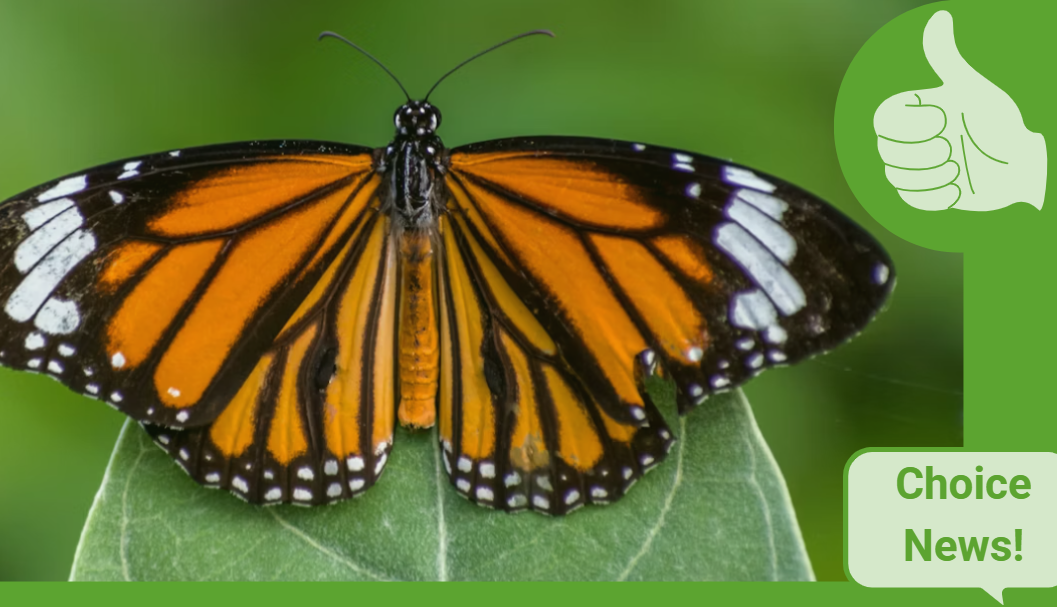
Many New Zealand gardens aren’t seeing as many monarch butterflies fluttering around their swan plants and flower beds these days — the hungry Asian paper wasp has been taking its toll.
Thanks to people like Alan Baldick, who’s made it his mission to protect the monarch, his neighbours still get to enjoy these beautiful butterflies in their own backyards.
Thinking about planting something to invite more butterflies, bees, and birds into your garden?
Thanks for your mahi, Alan! We hope this brings a smile!

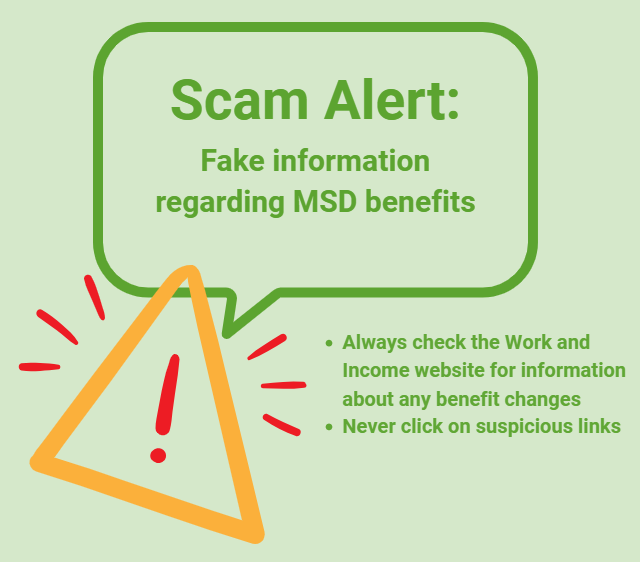
Scam Alert: Fake information regarding December Bonuses from MSD
The Ministry of Social Development is reporting that fake information is circulating about new ‘December bonuses’ or ‘benefit increases’
If you get suspicious communication, please contact Netsafe.

Neighbourhood Challenge: Who Can Crack This One? ⛓️💥❔
What has a head but no brain?
Do you think you know the answer? Simply 'Like' this post if you know the answer and the big reveal will be posted in the comments at 2pm on the day!
Want to stop seeing these in your newsfeed?
Head here and hover on the Following button on the top right of the page (and it will show Unfollow) and then click it. If it is giving you the option to Follow, then you've successfully unfollowed the Riddles page.
 Loading…