





Neighbourly 101: Posting an image
Kia ora, neighbours!
When scrolling through the newsfeed what catches your eye? Chances are it's a colourful, striking image filled with all things Neighbourly. They say a picture tells a thousand words, so use your image-ination and show your neighbours. To create an outstanding post, follow these simple steps:
1. At the top of your newsfeed click ‘Post a message, event, poll or urgent alert to neighbours’
2. Add a subject and message
3. Select ‘attach an image or document' and choose an image from your device
4. Choose a category for your message
5. Click Post to share it with your neighbourhood
For more info, click here.

Poll: Do you set New Year’s resolutions?
🎉 2026 is almost here!
We’re curious ... how do you welcome it?
Do you set resolutions, follow special traditions, or just go with the flow?
-
10.4% Yes! New Year, New Me
-
20.6% Yes - but I rarely stick to them
-
68.9% Nah - not for me

We are open NEW YEARS EVE AND NEW YEARS DAY!!!
Hello Neighbours,
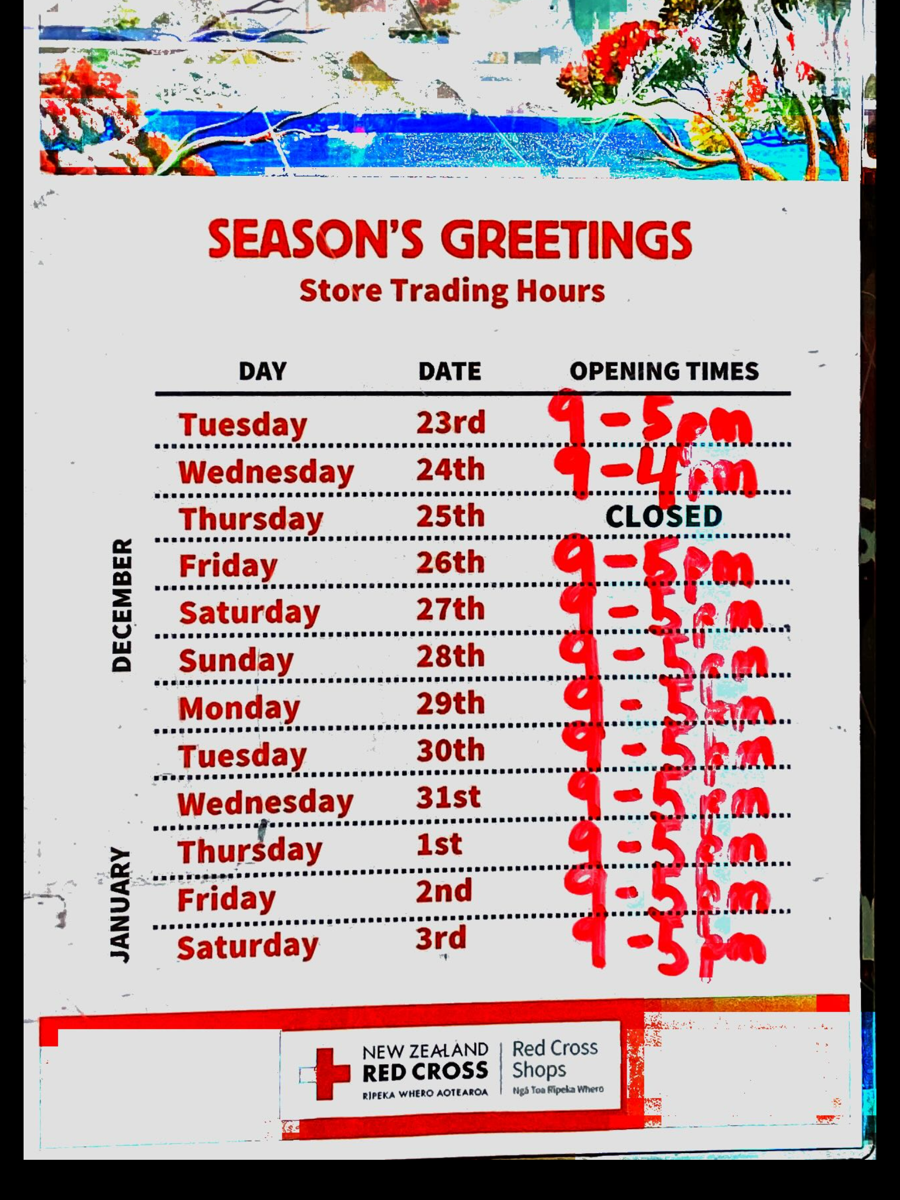
Yes, you read that right, we are open on New Year’s Eve, Wednesday 31st December 2025. And New Year’s Day Thursday 1st January 2026at our normal trading hours of 9am to 5pm.
Hope to see you all then.

NZ FAMILY SUMMER 👒
Hello Neighbours,
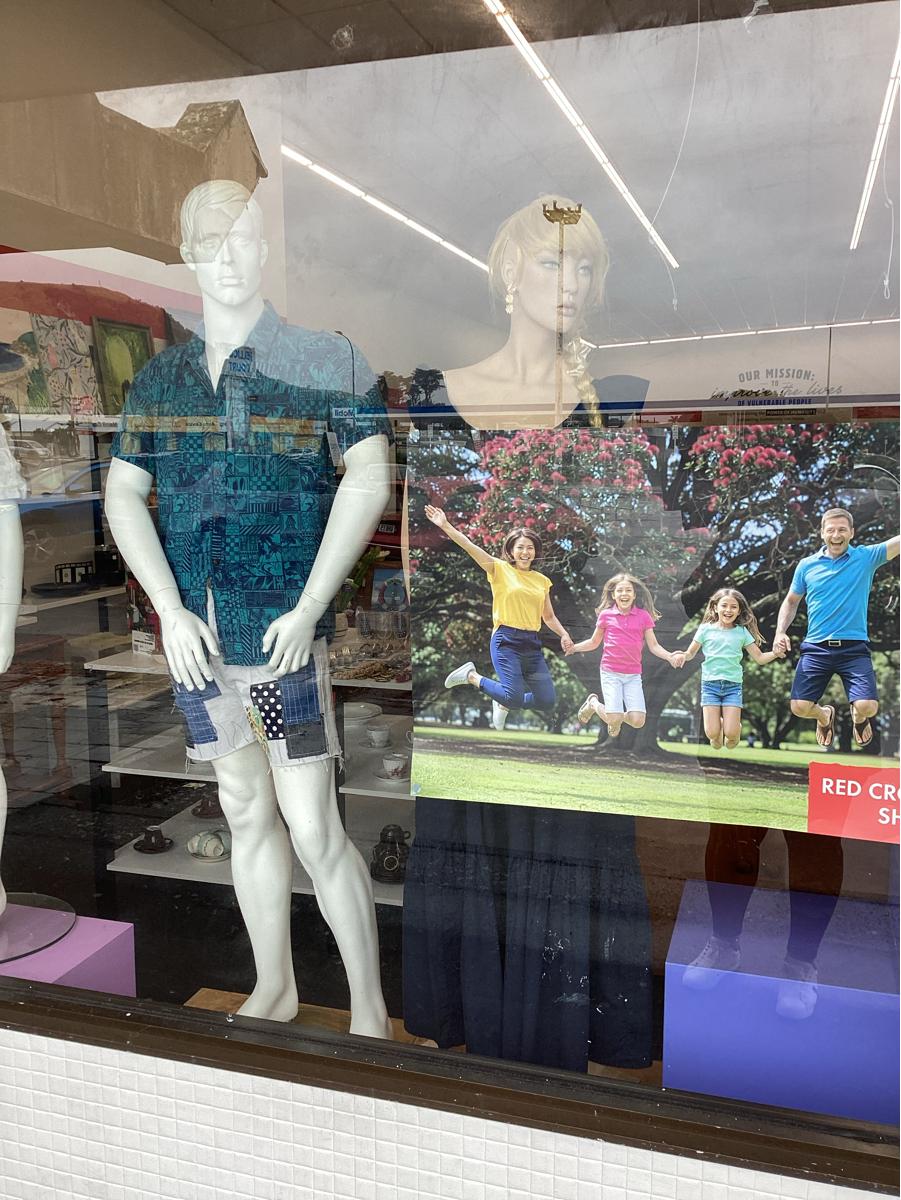
From beachy summer outfits, to holiday must haves like bags, sunglasses, jewellery. Come on by and see what we have in store.
See you all then, and have great day.
Panmure team.



 Loading…