






Scam Emails Explained: How to Protect Yourself from Phishing and Fraud
A scam email is a malicious email that aims to trick recipients into giving up their sensitive information, such as bank accounts and passwords. This is one of the ways scammers have used to steal money from individuals easily. Learn how to spot scam emails, the most common types, how to avoid becoming a victim and what to do if you’ve been scammed.
===========================================
How to Spot a Scam Email
Here are some ways to recognise a malicious email:
===========================================
It came from an infrequent sender.
It has an urgent call to action or an alarming tone.
It has unexpected attachments and suspicious links.
There are multiple spelling errors and bad grammar used in the message.
The email address or domain name are misspelt or altered.
Email greeting is not personalised or uses a generic format like “Dear madam or sir”.
The Most Common Types of Scam Emails
Sextortion or doxing
Business email imposters
Fake contest or raffle prizes
Account update and password reset requests
Fake charity membership from famous personalities
Too good to be true subscription promos and renewal discounts
What Happens When You Respond to a Scam Email
Clicking on a suspicious link may open a phishing website that pretends to be a legitimate online shop or bank to collect your login credentials and other information. On the other hand, downloading an attachment can install malware on your device. Malware like ransomware can encrypt your files and hold them for ransom. Some can install malicious software that records device activities to get your data. Once scammers have your information, they can use it to steal money directly from your bank accounts and credit cards. Or worse, take over your email and other connected accounts and cause more damage.
How to Avoid Becoming a Scam Victim
================================
Educating yourself about the ins and outs of scam emails is still the most effective way for you to avoid being targeted by these attacks. Until then, follow these recommendations:
================================
Practice good email hygiene.
Never disclose sensitive or confidential information through email. If in doubt, verify with the person or company first to avoid possible issues.
Think before you click. Avoid opening links and attachments from unknown senders.
Create a strong and unique email account password. Use Trend Micro Password Generator to help you generate better passwords for your accounts.
================================
TIP: Change your passwords regularly. Trend Micro recommends you update them at least every three months if you are not using a password manager.
================================
Look at the email address, not just the sender.
Check if the message is sent from a public email domain. Legitimate organisations use a single domain for email addresses. They will not send emails from an address that ends in @gmail.com. If the domain name (what comes after the @ symbol) matches the sender of the email, the message is most likely legitimate.
A message that comes from a different domain is suspicious.
Enhance your device security and privacy.
Turn on the Firewall for your Windows PC.
Update your operating system and web browsers regularly.
Watch out for suspicious links.
You should not click links or download files even if they come from strange sources.
Check for mismatched URLs. Hovering above the link may show a different web address.
Avoid clicking links in emails unless you are sure it is a safe link.
Look for any grammatical errors and spelling mistakes.
Companies will often hire proofreaders and editors to ensure content they send out are free from errors.
Do not be frightened by messages that have an alarming tone.
Doublecheck with the company if you are uncertain about the status of your accounts.
Many of these scam email requests you to act quickly or else it will be too late.
=====================================
Look out for generic greetings like “Dear Customer”
Scam emails are designed to be sent to a large amount of people, so they need to be as impersonal as possible.
Check whether the message contains a generic subject and a greeting. This is a sign of a phishing attempt.
Take note of unusual information in the message.
Any mentions of operating systems and software that are not commonly used can often be a sign of a scam or phishing attempt.
Watch out for unsolicited messages.
Organisations do not practice sending confirmation emails unless there have important reasons.
Most of them avoid sending unsolicited messages unless it is for company updates, newsletters, or advertising purposes.
====================================
Why Do I See Scam Emails?
Wondering why you receive these emails? Cybercriminals may have obtained your email address from a data leak, fake website, public sources like social media, or even illegally purchase your data.
======================================
What To Do After Realising You’ve Been Scammed
Change the password of your email and other online accounts.
Contact your financial institutions including your bank and see how they can help you further.
Report the scam to prevent more victims.
New Zealand: NetSafe
==================================================

Scam Alert: Fake information regarding December Bonuses from MSD
The Ministry of Social Development is reporting that fake information is circulating about new ‘December bonuses’ or ‘benefit increases’
If you get suspicious communication, please contact Netsafe.
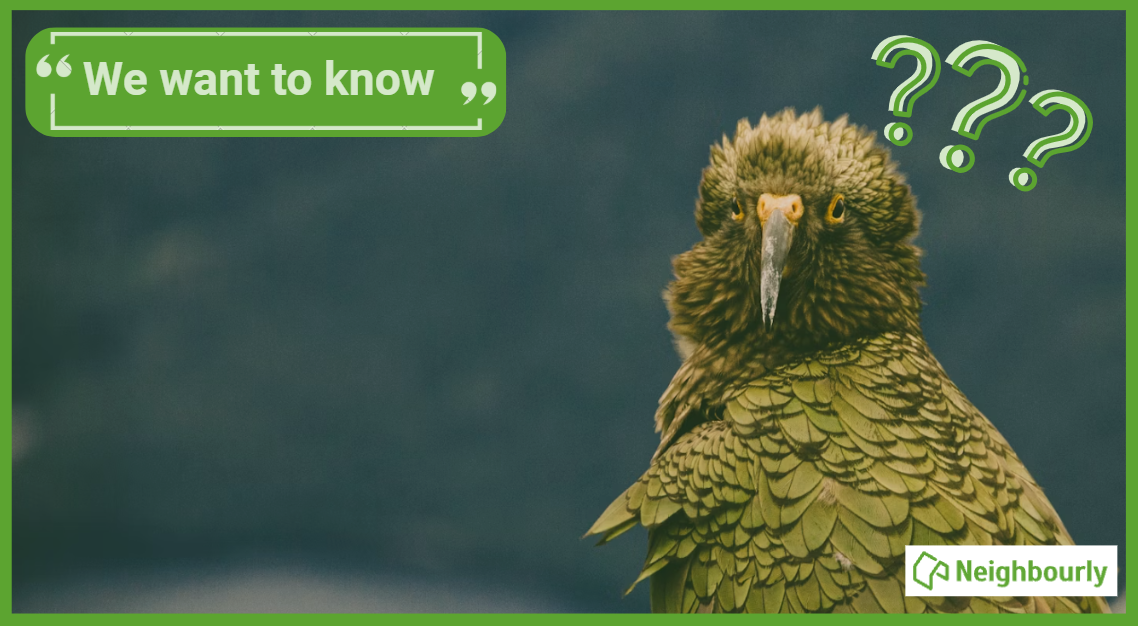
Poll: Are Kiwis allergic to “exuberance”? 🥝
In The Post’s opinion piece on the developments set to open across Aotearoa in 2026, John Coop suggests that, as a nation, we’re “allergic to exuberance.”
We want to know: Are we really allergic to showing our excitement?
Is it time to lean into a more optimistic view of the place we call home? As big projects take shape and new opportunities emerge, perhaps it’s worth asking whether a little more confidence (and enthusiasm!) could do us some good.
-
41.5% Yes
-
33.6% Maybe?
-
24.9% No
Tips and advice to stay street smart this summer
Summer is finally here!
Time for BBQs, holidays, Christmas, travelling and events galore.
We've put together a whole range of tips and advice so you can put your feet up and relax this summer, knowing that it's all good in your hood.
Our first piece of advice to make your neighbourhood safer this summer, is to get to know the people who live around you! People who know each other are more likely to offer, accept, and ask for help when needed.
Shop Safe - Preventing Fraud & Scams
You might find yourself making more purchases than usual at this time of year, and many of those might be online, so here's a set of tips and advice to make sure you stay safe and secure whilst doing your Christmas shopping this year. And remember to think about the security of your online shopping when it gets delivered!
Heading away this summer?
It's a busy time of year on new Zealand roads and everyone wants to get from A to B safely. It's also important that your home stays safe while you're away enjoying your 'home away from home'. We have put together a set of tips and advice to help make that happen!
Keeping your car, home and belongings safe
From recording valuable possessions to securing locks, keeping valuables hidden and informing trusted neighbours that you will be away, there are many things you can do to keep your car, home, and belongings safe. Here's a bunch of handy tips!
Party planning checklist and fire-wise tips
Whether it’s a small backyard gathering, or a big celebration for a special occasion, a little extra planning and consideration will go a long way in keeping you, your guests, and your neighbours happy. We also have some tips to make sure you and your families stay fire-wise during summer.
Get to know your neighbours - look out, reach out, help out
The most important action you can take to make your community safer is get to know the people who live around you. People who know each other are more likely to offer, accept, and ask for help when needed.
It is also important to know who to contact in an emergency and when to use the non-emergency contact for NZ Police. Learn more about Neighbourhood Support, get tips on getting to know your neighbours and the best way to contact the police below.
Strong communities start with small hellos
In terms of crime prevention, your neighbours are the best and cheapest security system you can have. You don't have to love your neighbour, but at least get their number just in case!
===================================
Have a happy, safe and connected summer!
===================================
 Loading…