





Neighbourly New Year Tip #3 - Find your filters
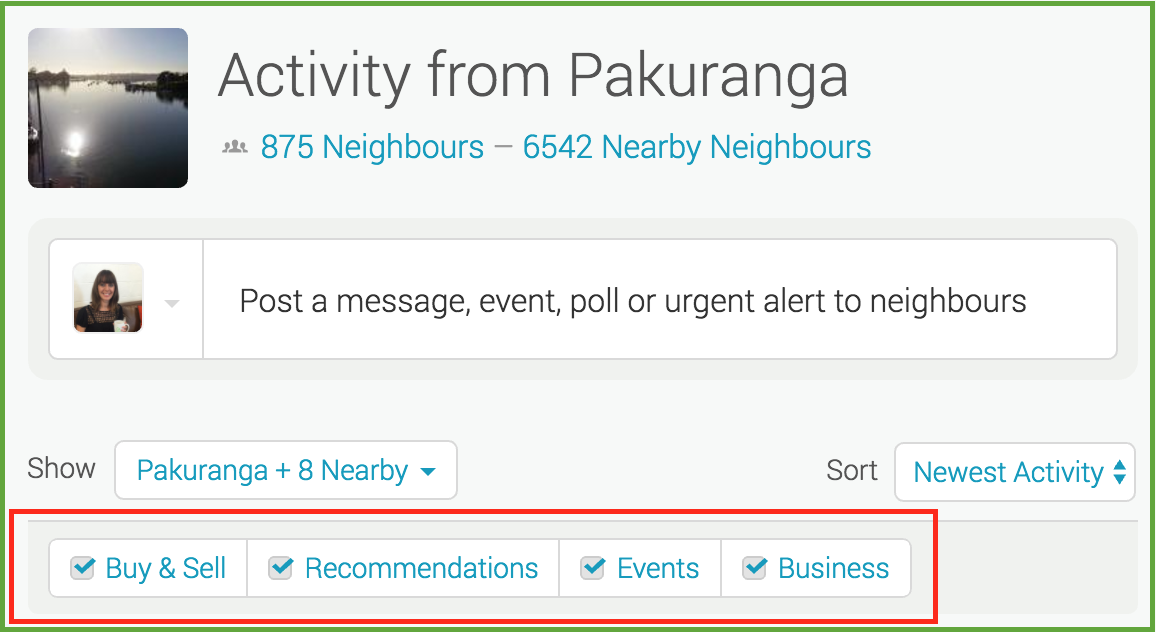
Filters allow you to manage what you see on your Neighbourly noticeboard. Perhaps you want to hide Buy & Sell messages - or maybe that's all you want to see! You'll find four filters at the top of your noticeboard: Recommendations, Buy & Sell, Events and Business. You can toggle these on and off to customise your Neighbourly experience.
While you're there - have a play with the 'Sort' filter. This is a drop down menu allowing you to switch between newest posts and newest activity (replies).

Neighbourhood Challenge: Who Can Crack This One? ⛓️💥❔
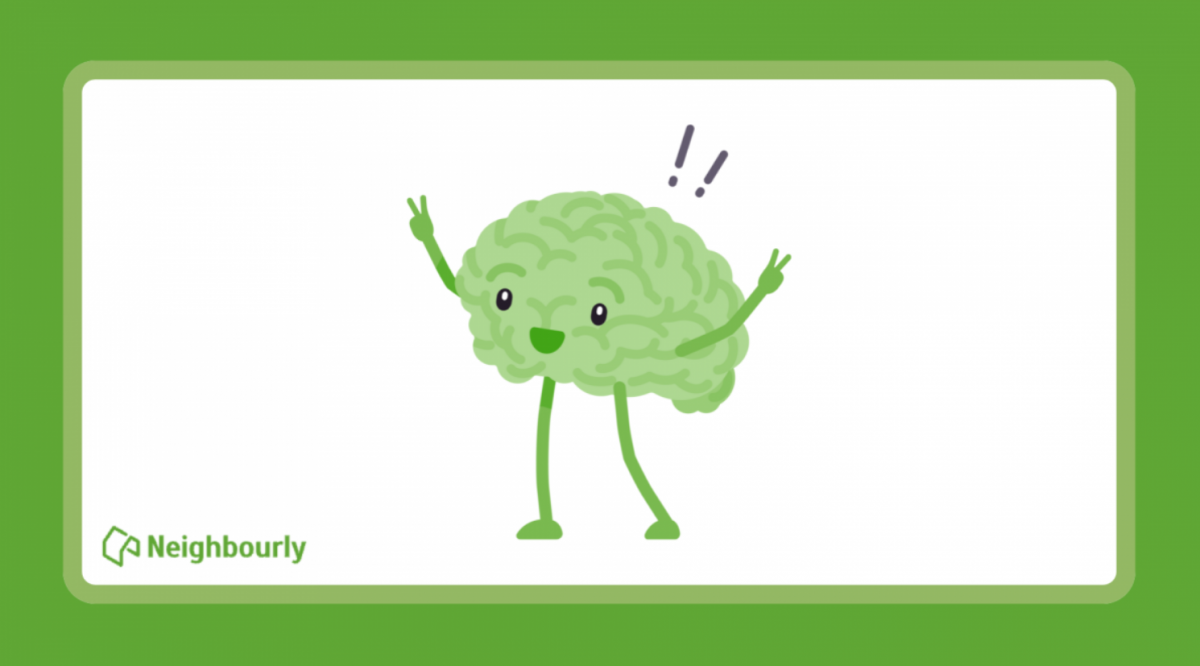
What has a head but no brain?
Do you think you know the answer? Simply 'Like' this post if you know the answer and the big reveal will be posted in the comments at 2pm on the day!
Want to stop seeing these in your newsfeed?
Head here and hover on the Following button on the top right of the page (and it will show Unfollow) and then click it. If it is giving you the option to Follow, then you've successfully unfollowed the Riddles page.
We want to know: Have you thought about cutting your insurance cover to save costs?
Senior business reporter Rob Stock tackles a big question many of us have wondered about: “What are the pros and cons of cutting back on insurance?”
So we’re curious… What are your thoughts on trimming your insurance cover? Have you ever considered it?
Want to dive deeper? Rob Stock has the full breakdown.


Save a life this Christmas
You’ve had the perfect gift all along. Book your blood or plasma donation today.

 Loading…