





Neighbourly New Year Tip #3 - Find your filters
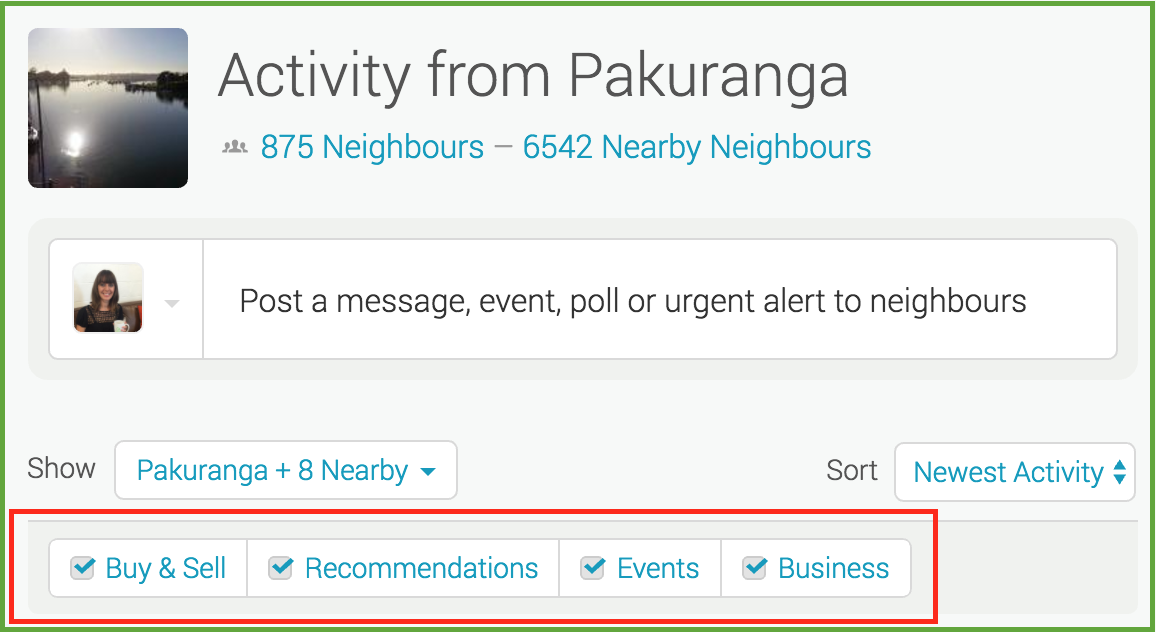
Filters allow you to manage what you see on your Neighbourly noticeboard. Perhaps you want to hide Buy & Sell messages - or maybe that's all you want to see! You'll find four filters at the top of your noticeboard: Recommendations, Buy & Sell, Events and Business. You can toggle these on and off to customise your Neighbourly experience.
While you're there - have a play with the 'Sort' filter. This is a drop down menu allowing you to switch between newest posts and newest activity (replies).
Poll: Do you set New Year’s resolutions?
🎉 2026 is almost here!
We’re curious ... how do you welcome it?
Do you set resolutions, follow special traditions, or just go with the flow?

-
9.8% Yes! New Year, New Me
-
22% Yes - but I rarely stick to them
-
68.1% Nah - not for me
Poll: Is it ok to regift something that you have been given?
🎁 Holiday Gift Chat!
Do you ever regift?
What’s your take on asking for a receipt if a gift doesn’t fit?

-
78.7% Yes! It's better to regift what I don't need
-
21.3% No. It's the thought and effort that matters

Simply Google “Inclusive World NZ”
✨ This is your invitation ✨
Simply Google “Inclusive World NZ” and head to the Digital Library tab.
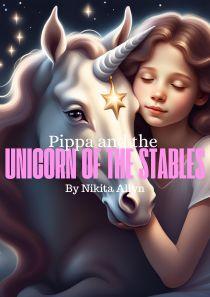
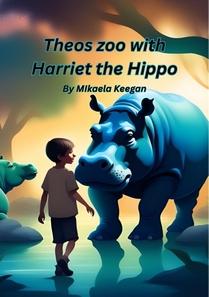
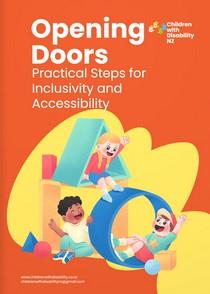
There you’ll find a wide range of downloadable resources, including children’s flipbooks, disability awareness flipbooks, posters, and more — all created to support inclusion, understanding, and representation 💛
Inclusive World NZ is owned and created by our registered charity, Children with Disability NZ, so every download helps support our mission to build a more inclusive Aotearoa for everyone.
Because inclusion starts with understanding 🌱

 Loading…