




What are Cloud Backups?
☁️💾 What Are Cloud Backups? And How Do They Actually Work?
Imagine spilling coffee on your laptop—or losing your phone during a trip. What would happen to your files, photos, or business documents?
That’s where cloud backups come in.
In an age of remote work, cyber threats, and unpredictable tech failures, cloud backups are one of the smartest ways to protect your digital life.
---
🔍 What Is a Cloud Backup?
A cloud backup is when a copy of your data is stored securely on remote servers that are accessed via the internet (the “cloud”).
Instead of backing up to an external hard drive or USB stick (which can break, get lost, or become outdated), your files are sent to data centers operated by cloud providers like:
Google Drive
Microsoft OneDrive
Dropbox
iCloud
Backblaze, Carbonite, Acronis (for business-grade backups)
---
🧠 How Do Cloud Backups Work?
Here’s the typical process:
1. You install a backup app on your computer or device.
2. You choose what to back up — this can include documents, photos, emails, databases, entire system images, or even application settings.
3. The backup runs automatically (usually on a schedule or in real-time).
4. Files are encrypted, then uploaded over the internet to secure servers.
5. You can restore your files at any time — whether you need a single document or your entire system.
---
🛡️ Why Are Cloud Backups So Valuable?
✅ Protection from hardware failure – Devices crash. Data centers don’t.
✅ Defense against ransomware – Restore clean versions of files if infected.
✅ Access anywhere – Your data is available from any internet-connected device.
✅ Automatic and reliable – No need to remember to plug in a hard drive.
✅ Version history – Many services keep older versions of files for rollback.
---
⚠️ Common Misconceptions:
🔹 “I use Google Drive or Dropbox — that’s my backup!”
Not exactly. These are sync services. If you delete a file or it gets encrypted by ransomware, it may be deleted or corrupted everywhere. A true backup includes version history and doesn’t auto-sync deletions.
🔹 “Cloud backups aren’t safe.”
Reputable services use end-to-end encryption, multi-factor authentication, and global redundancy to keep your data secure.
---
🧱 Final Thought:
Data loss isn’t a question of if—it’s when. Whether it’s human error, hardware failure, theft, or a cyberattack, cloud backups give you peace of mind.
You can always buy a new device. But your files? Your client data? Your memories? Those are irreplaceable.
So… do you have a cloud backup strategy?
#CloudComputing #DataBackup #CyberSecurity #CloudStorage #BusinessContinuity #ITBasics #DigitalResilience #InfoSec #LinkedInLearning #TechTips

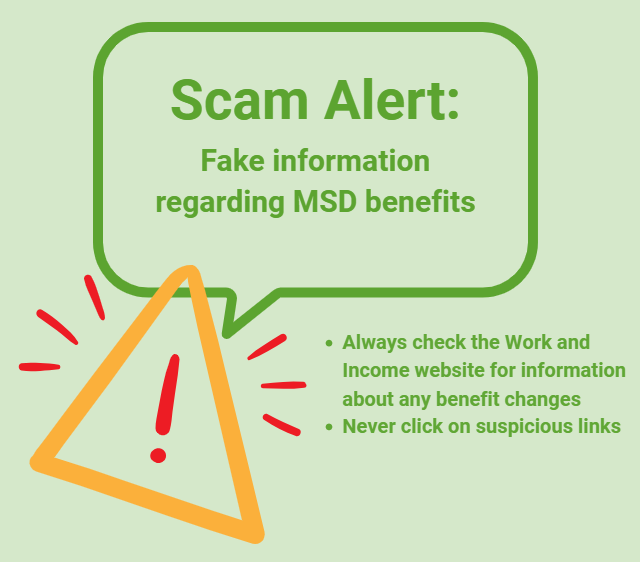
Scam Alert: Fake information regarding December Bonuses from MSD
The Ministry of Social Development is reporting that fake information is circulating about new ‘December bonuses’ or ‘benefit increases’
If you get suspicious communication, please contact Netsafe.
Further important update to all Neighbourly members
Dear Neighbours,
We wanted to update you with what we have uncovered in regards to the potential Neighbourly data breach which we were alerted to on Thursday January 1.
Over the past few days we have worked to understand whether our members’ data had been accessed without authorisation and, if so, the extent of the breach.
We have now confirmed that there was a breach of some data from our registered users. We are now satisfied that the breach was quickly contained, and we have restored the Neighbourly site and services.
Our investigations have shown that there was unauthorised access of Neighbourly data, which included our registered members’ names, email addresses, GPS coordinates, forum posts and member communications. It did not include passwords but some publicly advertised event and business addresses were included.
Following best practice, we will look to seek a court injunction against any use of the material.
We want to apologise to our members for this occurrence and any concerns it may have caused you over the past few days. We have, of course, addressed the issue that allowed the theft to occur, and we are satisfied that the site is secure for use by all of our members. We will work closely with all our staff to ensure we have the most robust processes in place to prevent it from happening again.
Thank you to our members who contacted us over this period and for the understanding you have shown as we work through the complex issues associated with cyber theft.
Q&A regarding Neighbourly data breach
The Team at Neighbourly


A Craft a Day: Simple Projects Using Pegs, Sticks & Resene Testpots
A craft project a day keeps the boredom away. Entertain kids with these easy arts and crafts projects using pegs, ice block sticks and Resene testpots. Find out how to create and paint your own peg crafts with these easy step by step instructions.

 Loading…