




Neighbourly New Year Tip #10 - Save posts
Have you spotted a post on Neighbourly you want to refer back to later? It's easy to save posts such as a recommendation for a good plumber or restaurant, something you're thinking of buying or a poll you'd like to track.
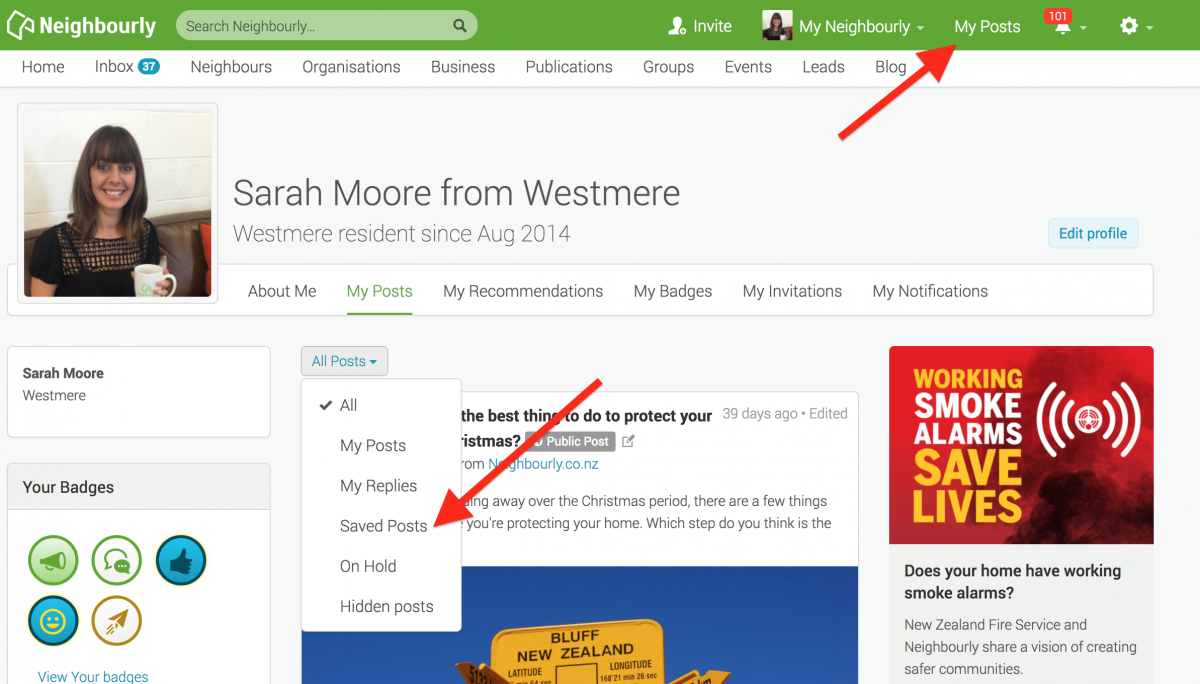
Here's how to save and find posts:
1) Simply click on the SAVE button at the bottom right of a post you want to locate later. The button will change to 'Saved!'
2) To find the post, click on My Posts in the top green navigation bar (on desktop) and click on the All Posts dropdown menu. You'll see the option 'Saved Posts'
3) When you no longer need a record of the post, just click on the Saved button and it will disappear from your Saved list.

Neighbourhood Challenge: Who Can Crack This One? ⛓️💥❔
What has a head but no brain?
Do you think you know the answer? Simply 'Like' this post if you know the answer and the big reveal will be posted in the comments at 2pm on the day!
Want to stop seeing these in your newsfeed?
Head here and hover on the Following button on the top right of the page (and it will show Unfollow) and then click it. If it is giving you the option to Follow, then you've successfully unfollowed the Riddles page.

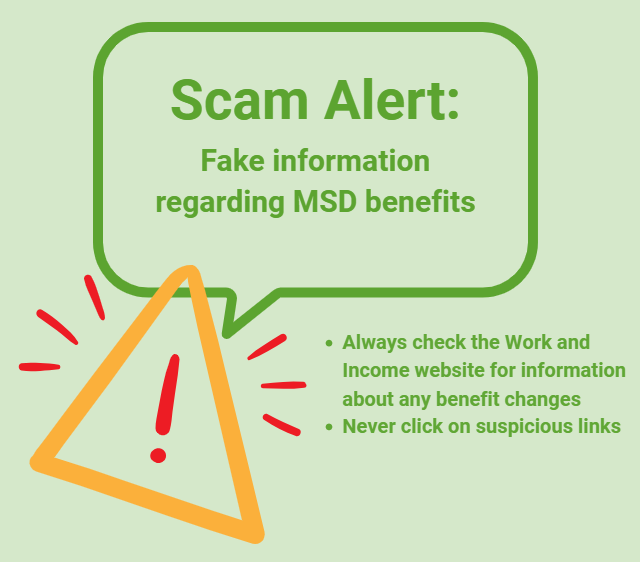
Scam Alert: Fake information regarding December Bonuses from MSD
The Ministry of Social Development is reporting that fake information is circulating about new ‘December bonuses’ or ‘benefit increases’
If you get suspicious communication, please contact Netsafe.

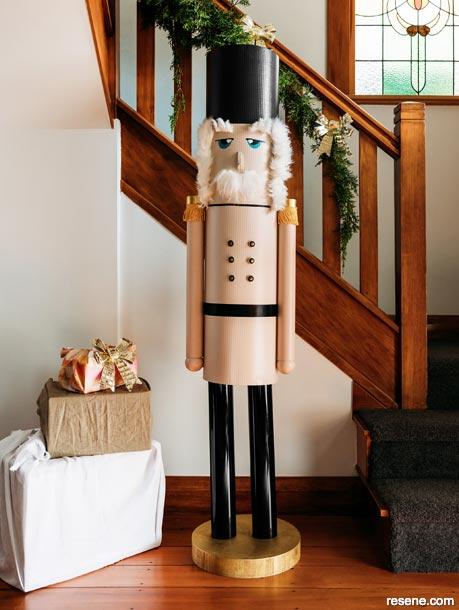
Stand-Out Festive Decor: Build a Big DIY Nutcracker
Whip up a larger-than-life nutcracker and have it standing guard to greet guests this Christmas. This is an ideal opportunity to repurpose last year’s baubles, leftover Resene paint testpots and leftover materials from previous projects. You could use an old cardboard box for the body and cover it in fabric scraps. Find out how to make your own nutcracker with these easy step by step instructions.
 Loading…