





Neighbourly 101: Posting an image
Kia ora, neighbours!
When scrolling through the newsfeed what catches your eye? Chances are it's a colourful, striking image filled with all things Neighbourly. They say a picture tells a thousand words, so use your image-ination and show your neighbours. To create an outstanding post, follow these simple steps:
1. At the top of your newsfeed click ‘Post a message, event, poll or urgent alert to neighbours’
2. Add a subject and message
3. Select ‘attach an image or document' and choose an image from your device
4. Choose a category for your message
5. Click Post to share it with your neighbourhood
For more info, click here.


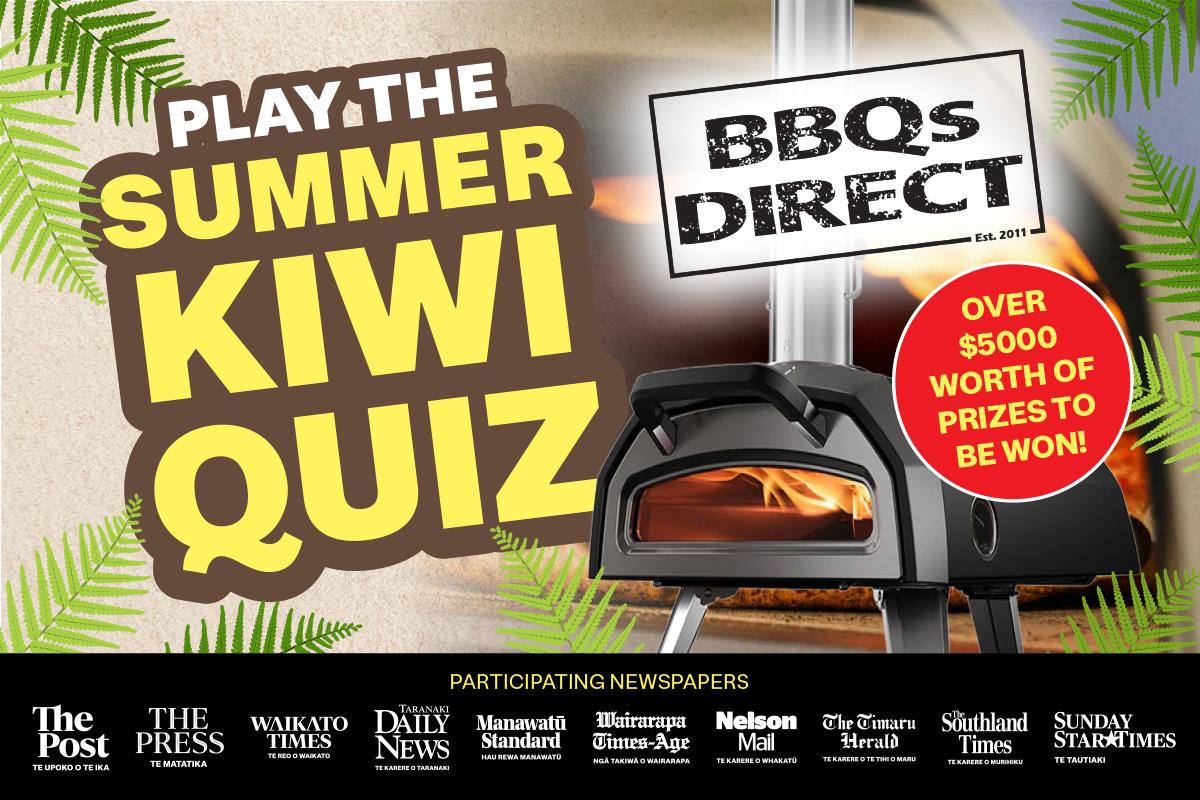
The Summer Kiwi Quiz is back by popular demand
Grab a copy of your local Stuff newspaper between 1 Jan - 28 Jan and participate in the Summer Kiwi Quiz! Test your knowledge, answer the daily New Zealand based questions, and find out how well you know our beautiful country!
Each correct answer will get you one entry into the draw to WIN 1 of 5 Ooni Karu 2 Portable Pizza Oven bundles, valued at $1024! Each bundle includes: an Ooni Karu 2 Multi-Fuel Portable Pizza Oven, Ooni Karu 2 Carry Cover, Ooni 12" Perforated Peel, Ooni Digital Infrared Thermometer and an Ooni Cookbook: Cooking with Ooni. The more answers you enter correctly, the higher your chance of winning. For more information and to submit your answers, click here
The Team at Stuff
Poll: Do you set New Year’s resolutions?
🎉 2026 is almost here!
We’re curious ... how do you welcome it?
Do you set resolutions, follow special traditions, or just go with the flow?

-
10.4% Yes! New Year, New Me
-
19.9% Yes - but I rarely stick to them
-
69.7% Nah - not for me
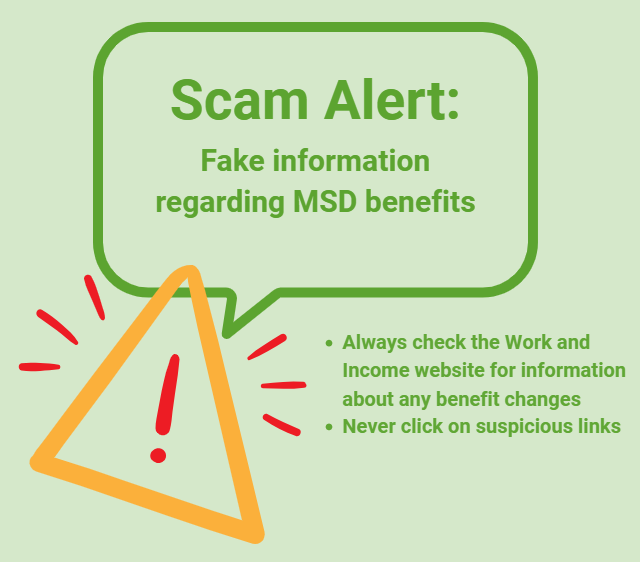
Scam Alert: Fake information regarding December Bonuses from MSD
The Ministry of Social Development is reporting that fake information is circulating about new ‘December bonuses’ or ‘benefit increases’
If you get suspicious communication, please contact Netsafe.
 Loading…