





Neighbourly 101: Posting an image
Kia ora, neighbours!
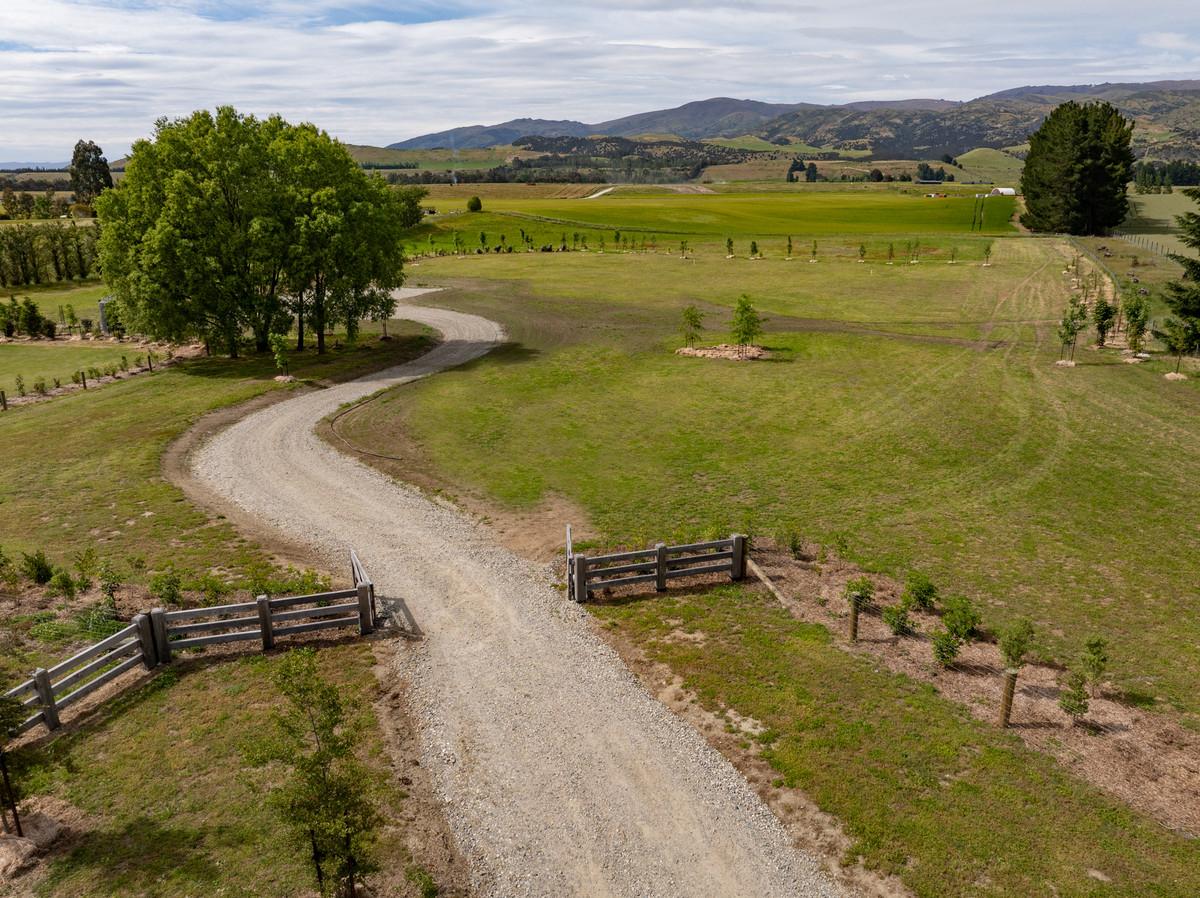
When scrolling through the newsfeed what catches your eye? Chances are it's a colourful, striking image filled with all things Neighbourly. They say a picture tells a thousand words, so use your image-ination and show your neighbours. To create an outstanding post, follow these simple steps:
1. At the top of your newsfeed click ‘Post a message, event, poll or urgent alert to neighbours’
2. Add a subject and message
3. Select ‘attach an image or document' and choose an image from your device
4. Choose a category for your message
5. Click Post to share it with your neighbourhood
For more info, click here.

Poll: Are our Kiwi summer holidays helping us recharge, or holding the economy back? ☀️🥝
There’s growing debate about whether New Zealand’s extended Christmas break (and the slowdown that comes with it) affects productivity.
Tracy Watkins has weighed in ... now it’s your turn. What’s your take? 🤔
-
73.1% We work hard, we deserve a break!
-
16.2% Hmm, maybe?
-
10.7% Yes!

Brain Teaser of the Day 🧠✨ Can You Solve It? 🤔💬
How many balls of string does it take to reach the moon?
(Peter from Carterton kindly provided this head-scratcher ... thanks, Peter!)
Do you think you know the answer? Simply 'Like' this post and we'll post the answer in the comments below at 2pm on the day!
Want to stop seeing these in your newsfeed? No worries! Simply head here and click once on the Following button.


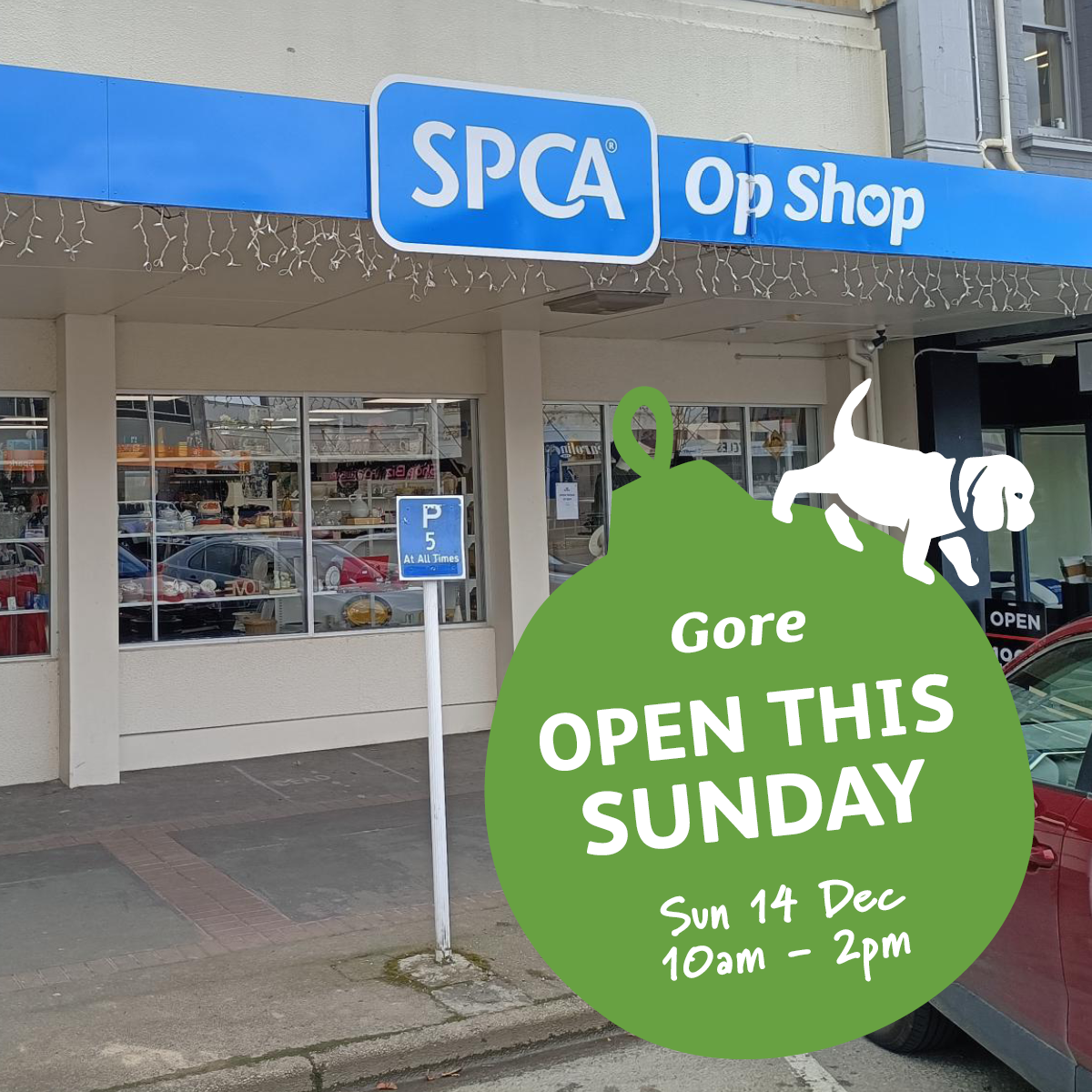
Our Gore SPCA Op Shop is open this SUNDAY! 🎉
Join us at 34 Main Street on Sunday 14 December, 10am–2pm. We’re opening specially for the town’s local Santa Parade! 🎅
It’s the perfect day to soak up some festive magic and get your Christmas gifting sorted. Pop in, support animals in need, and enjoy the Christmas fun 🎄
 Loading…