





Neighbourly New Year Tip #3 - Find your filters
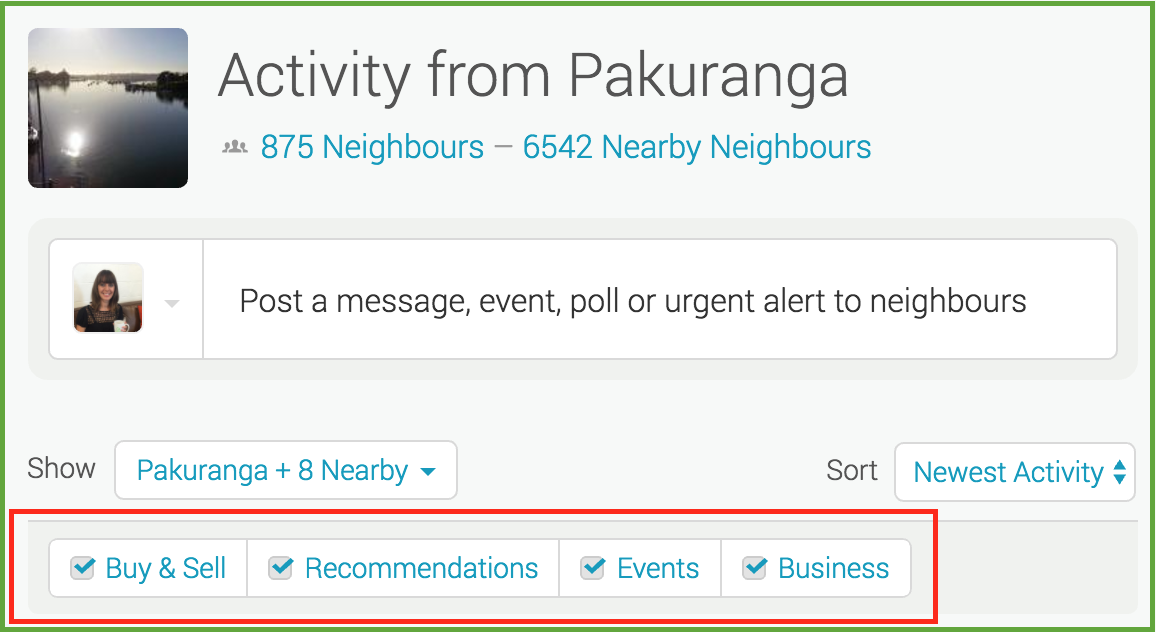
Filters allow you to manage what you see on your Neighbourly noticeboard. Perhaps you want to hide Buy & Sell messages - or maybe that's all you want to see! You'll find four filters at the top of your noticeboard: Recommendations, Buy & Sell, Events and Business. You can toggle these on and off to customise your Neighbourly experience.
While you're there - have a play with the 'Sort' filter. This is a drop down menu allowing you to switch between newest posts and newest activity (replies).
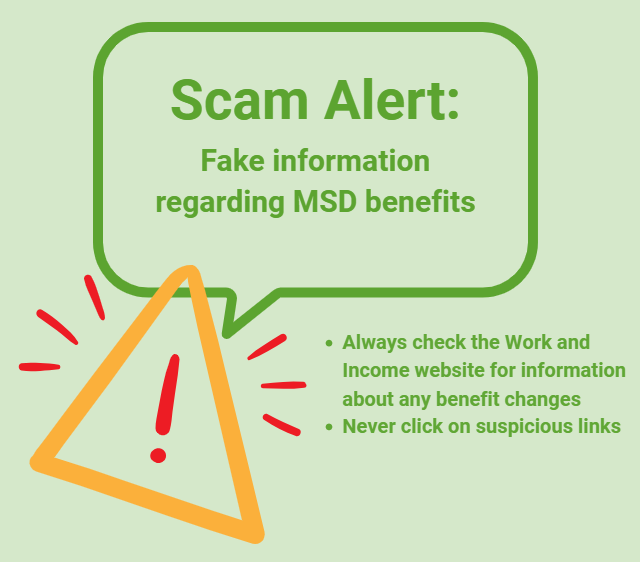
Scam Alert: Fake information regarding December Bonuses from MSD
The Ministry of Social Development is reporting that fake information is circulating about new ‘December bonuses’ or ‘benefit increases’
If you get suspicious communication, please contact Netsafe.
Poll: Is it ok to regift something that you have been given?
🎁 Holiday Gift Chat!
Do you ever regift?
What’s your take on asking for a receipt if a gift doesn’t fit?

-
80.1% Yes! It's better to regift what I don't need
-
19.9% No. It's the thought and effort that matters

Today’s Mind-Bender is the Last of the Year! Can You Guess It Before Everyone Else? 🌟🎁🌲
I dance in the sky with green and gold, a spectacle few are lucky to behold; I’m best seen in the south, a celestial sight—what am I, lighting up the New Zealand night?
Do you think you know the answer? Simply 'Like' this post and we'll post the answer in the comments below at 2pm on the day!
Want to stop seeing these in your newsfeed? No worries! Simply head here and click once on the Following button.
 Loading…