





Adding an Event - repeat post
If you use an APP to access Neighbourly you will find further selections by Tapping the MORE "..." button at the bottom right of the app.
This will help put your Posts where they are easiest to find and more helpful for members.
Neighbourly "Events" are what make your community even more fun. It’s easy to create an "Event" on your computer or using the Neighbourly app.
To create an "Event" on Neighbourly using your computer
Select "EVENTS" at the top of the Neighbourly homepage
Click the ADD EVENT button
Complete the event form
Click SAVE EVENT
To create an "Event" on Neighbourly using the app
Tap the MORE "..." button at the bottom right of the app
Select EVENTS
Tap the + icon
Complete the event form
Tap ADD
Once you’ve added an Event it will be visible on the Neighbourly homepage and your neighbours will be able to RSVP. If you have invited only a specific group, or all of your nearby neighbours, these members will be able to see your "Event".
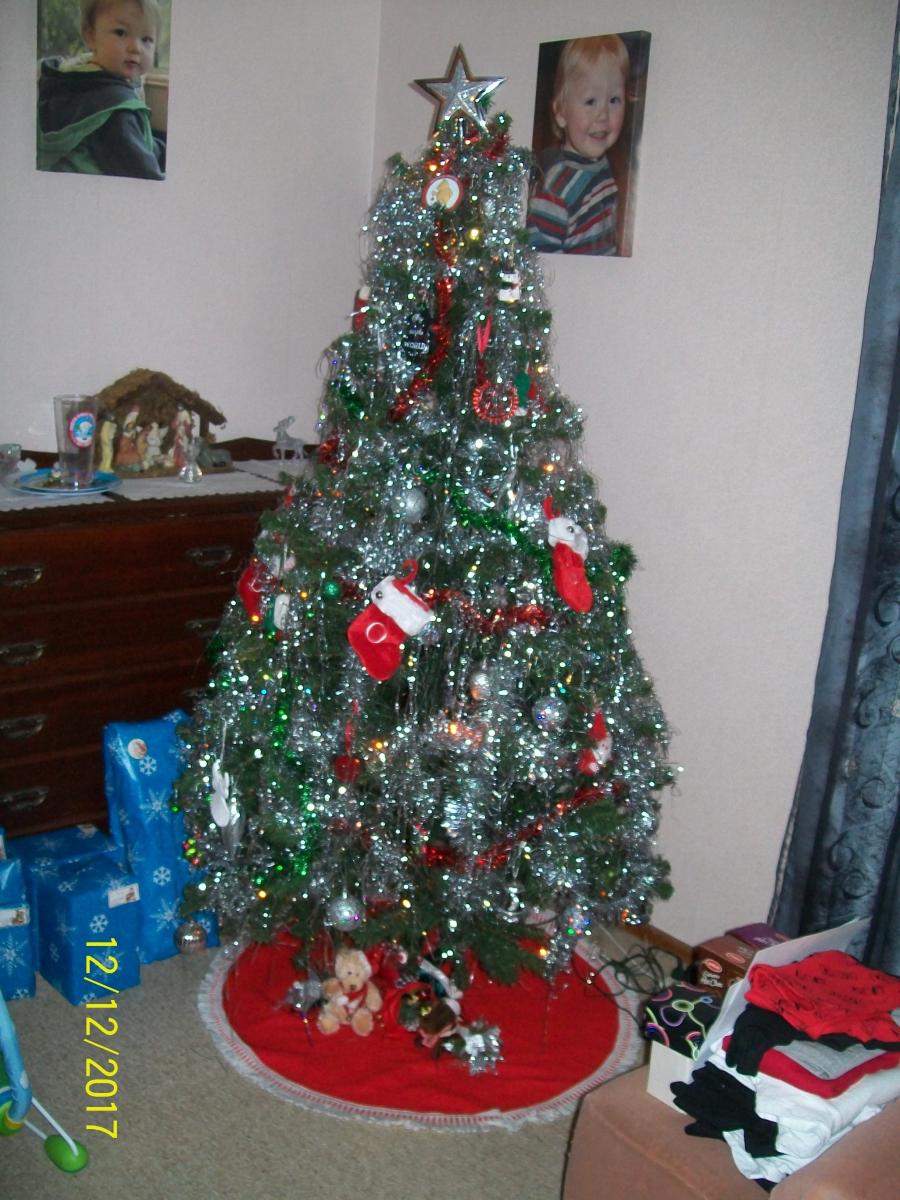

Scam Alert: Fake information regarding December Bonuses from MSD
The Ministry of Social Development is reporting that fake information is circulating about new ‘December bonuses’ or ‘benefit increases’
If you get suspicious communication, please contact Netsafe.
Poll: Do you set New Year’s resolutions?
🎉 2026 is almost here!
We’re curious ... how do you welcome it?
Do you set resolutions, follow special traditions, or just go with the flow?

-
10.3% Yes! New Year, New Me
-
20% Yes - but I rarely stick to them
-
69.8% Nah - not for me

🎉The Riddler wants to hear from you 🫵
🧩 Got a riddle that can stump your Neighbourly community? Share your brain teasers with us and watch your neighbours scratch their heads 😕🤔❓
Send us your tricky puzzles!

 Loading…